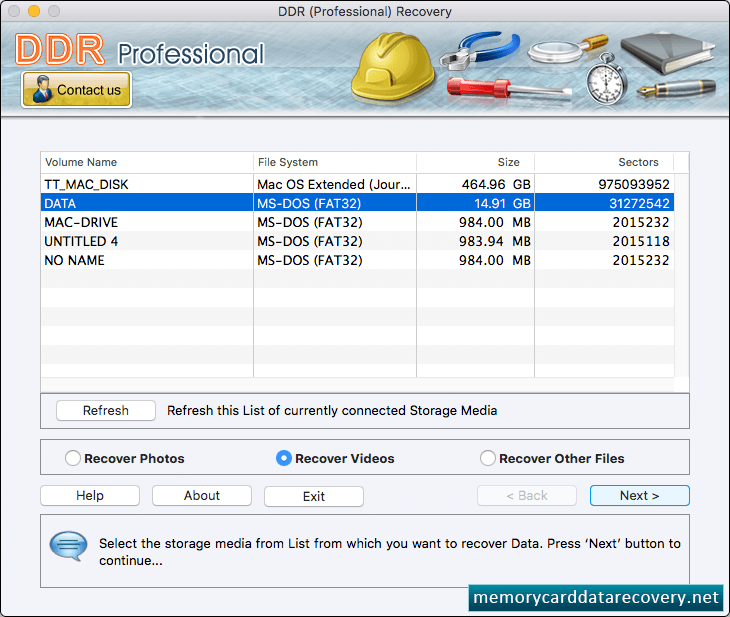
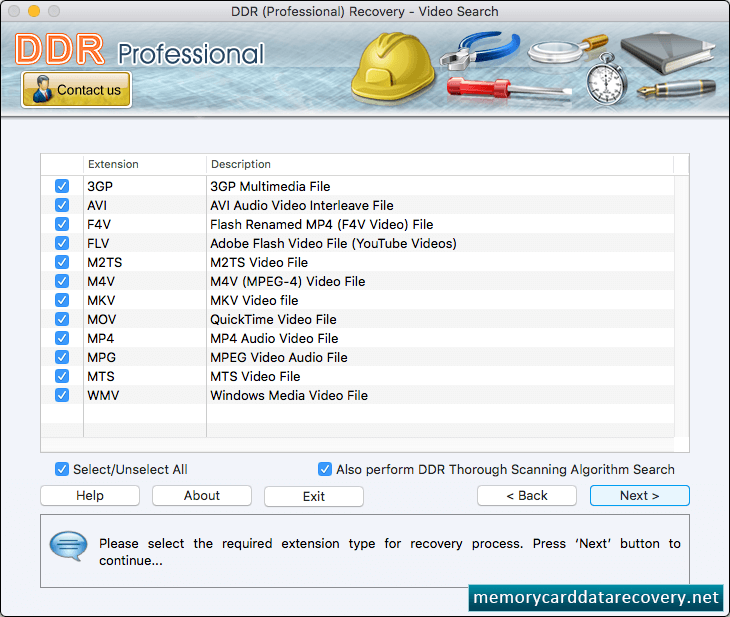
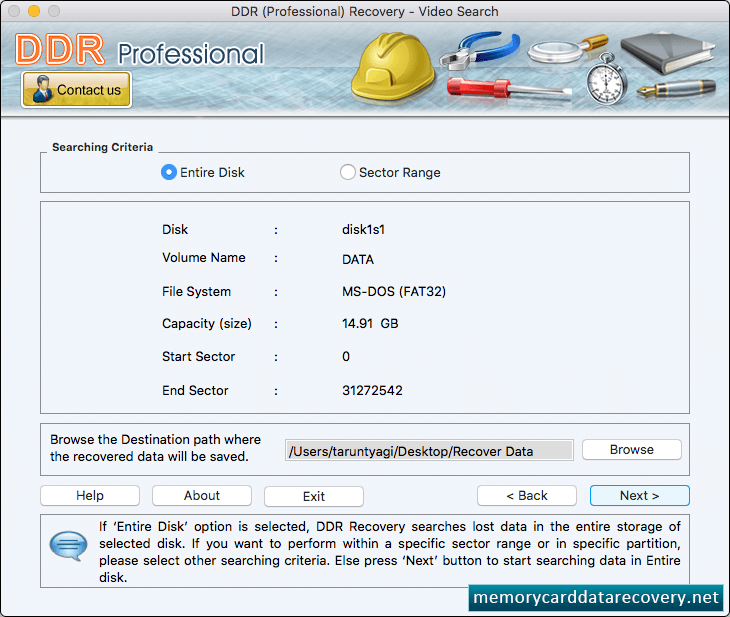
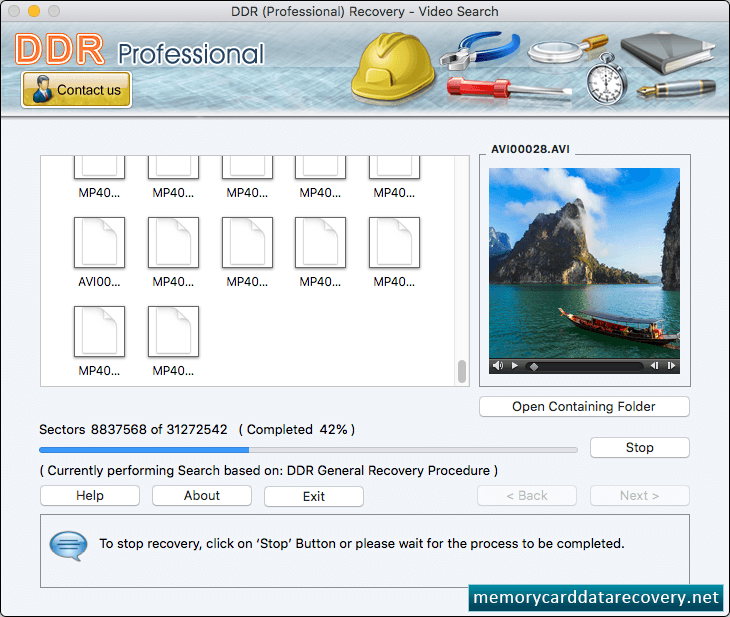
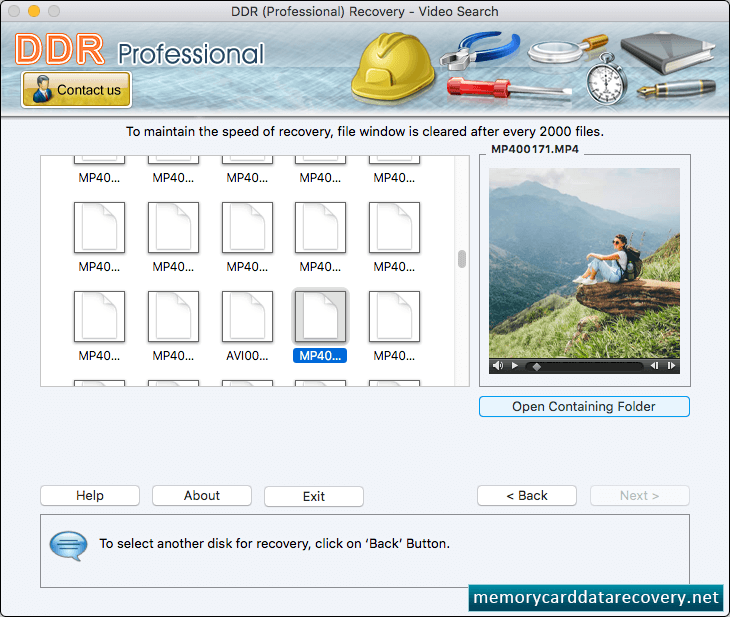
Software provides four recovery modes to recover lost data files. Select any one recovery mode according to your requirement. Select the drive from left panel and click 'Next' button to continue. Browse path where you want to save recovered data files and click Next button. Here you can see the data recovery process (using DDR Thorough Signature Scanning Algorithm) is going on. Click on 'Open Containing Folder' button to view recovered data files.