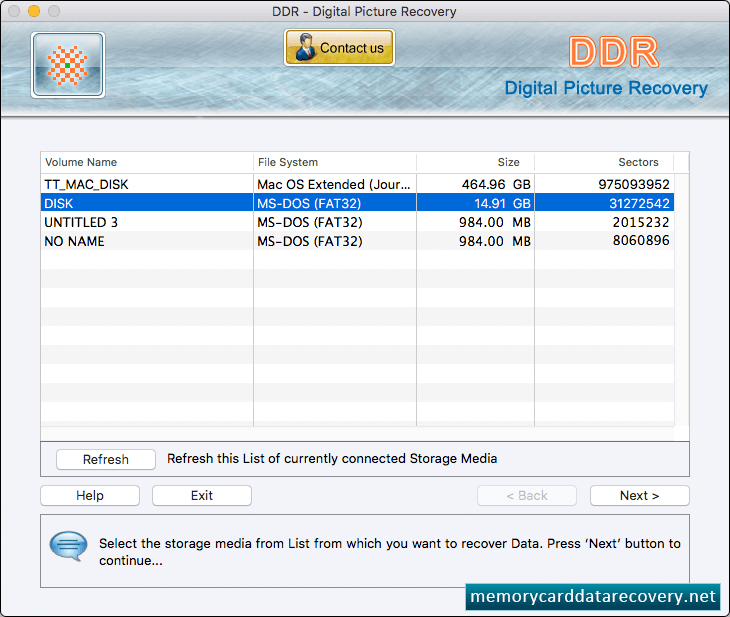
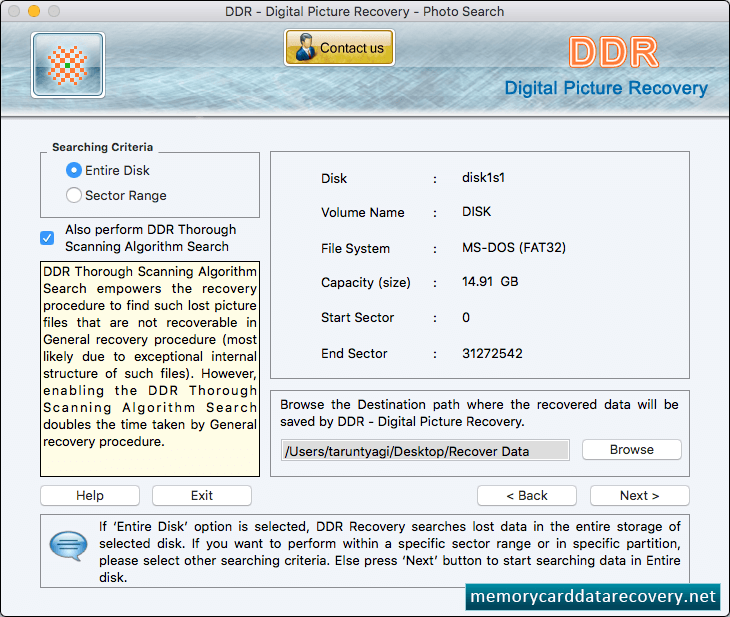
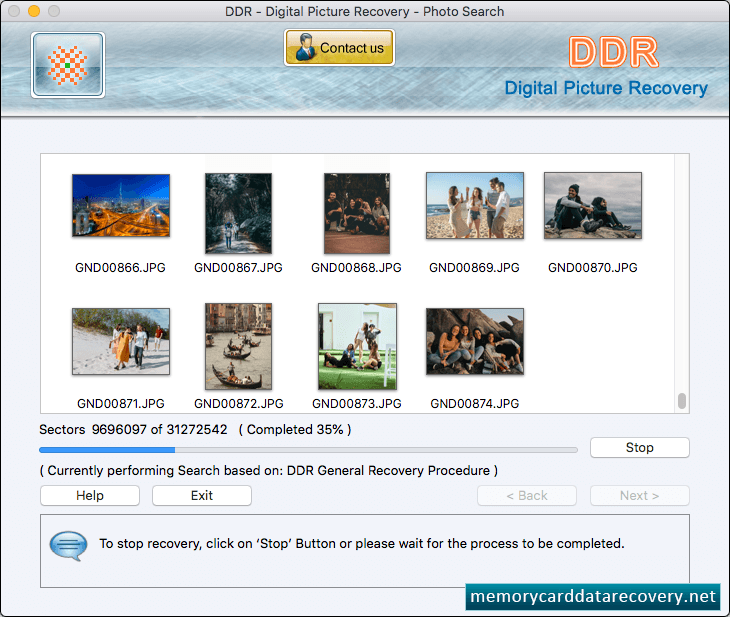
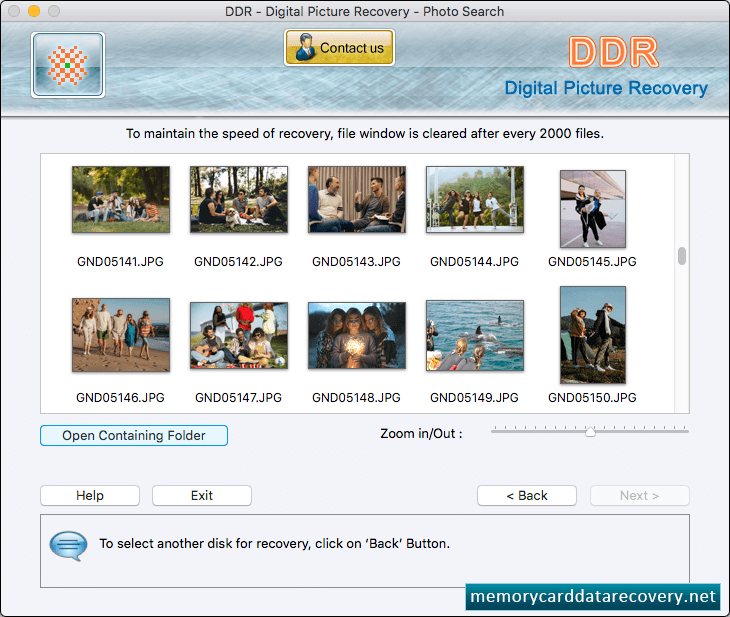
Select the storage media from list, choose recovery mode as we have selected 'Recover Photos' mode for demonstration purpose and click Next button to continue. Choose any one searching criteria and browse destination path where the recovered data will be saved by DDR Digital Picture Recovery Software.. Progress bar displays the running status of files searching process. Images are recovered successfully. You can view recovered photos by clicking on Open Containing Folder button.