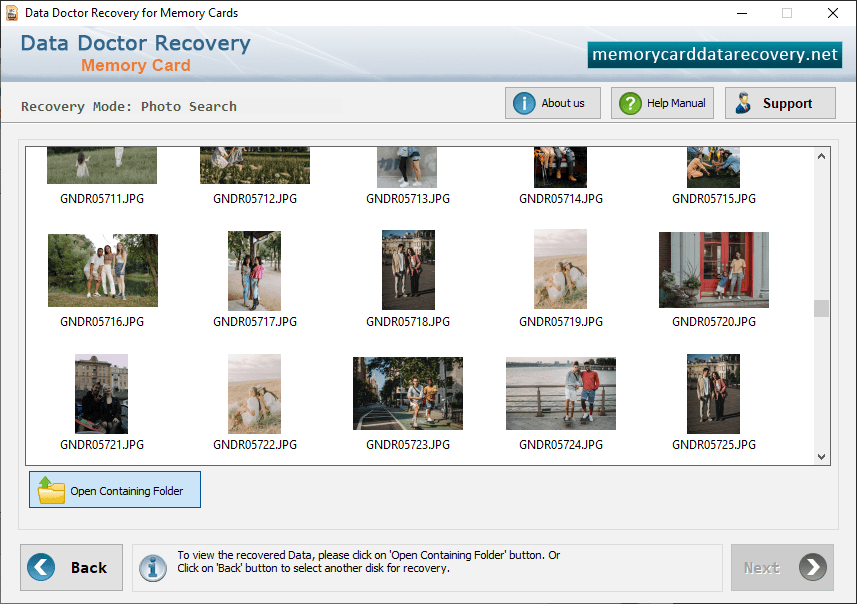
Memory Card Recovery Photo Search Mode
In order to recover image from memory card, first you should connect your card with computer. Then start recovery process. After installation of memory card recovery software, initial screen is displayed as shown in below screen:-
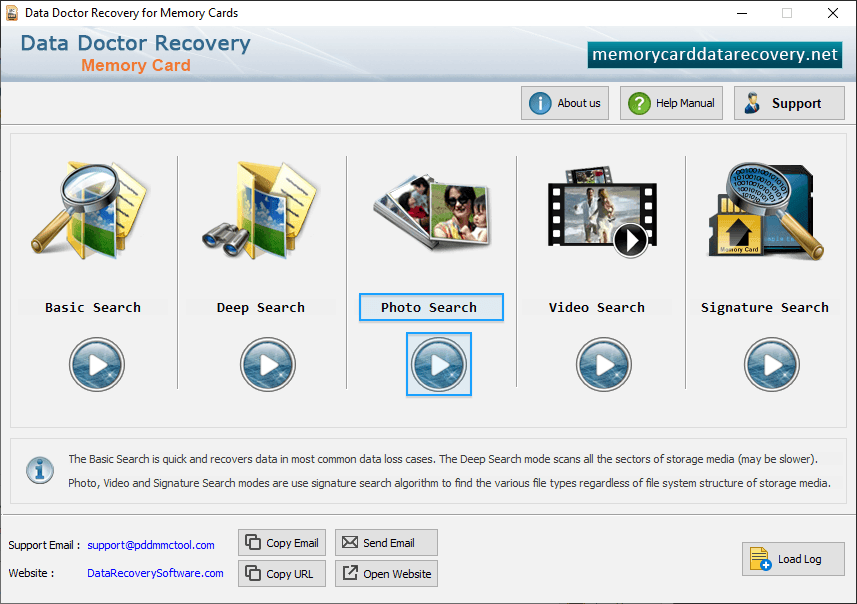
First you have to select search recovery modes including Photo Search Mode.
Step 1: Select drive for Recovery
Select disk in list of available Logical/Physical drives. As shown in below figure:-
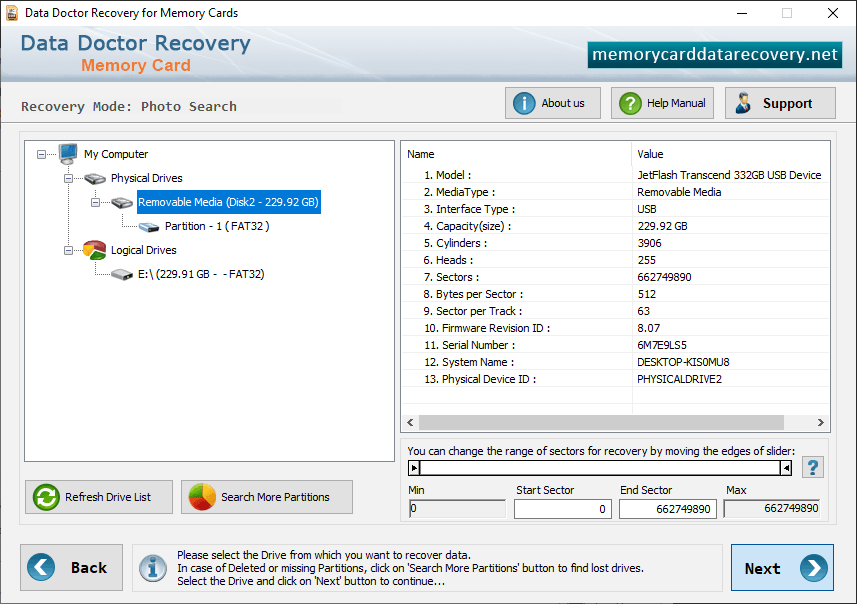
Now click on “Next” button to continue.
Step 2 : Browse path to save recovered pictures
"Browse" the path where recovered pictures will be saved as shown in the following screen:-
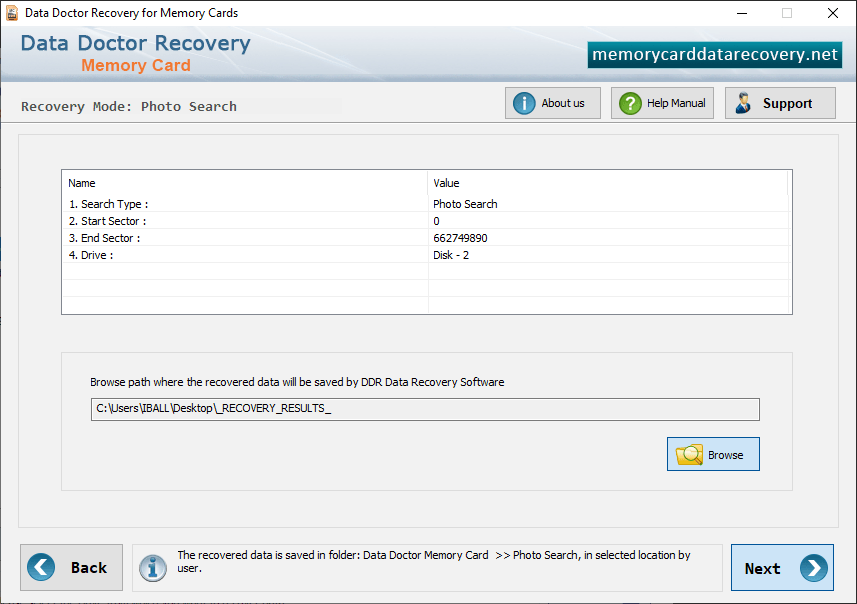
Wait until software completes scanning process.
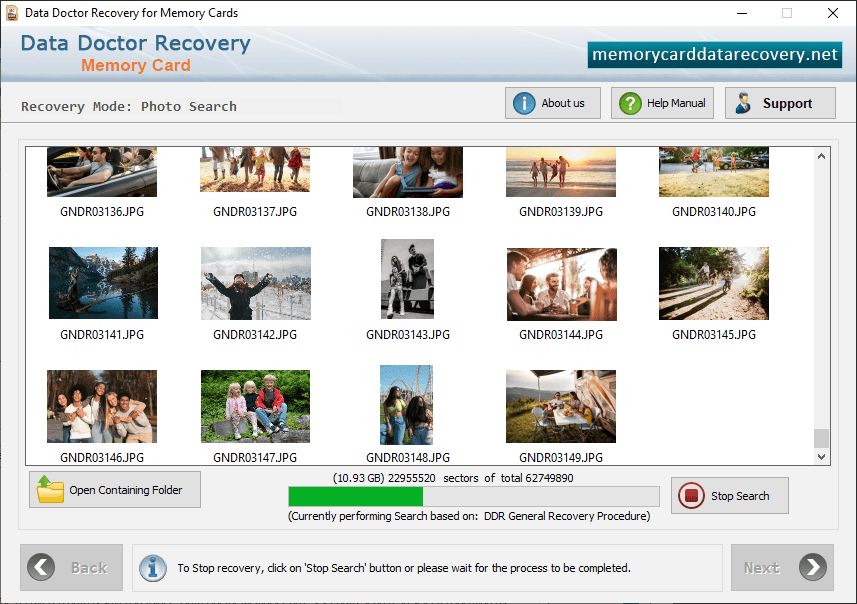
After completing DDR General Recovery Procedure, DDR Thorough scanning process starts automatically.
Step 4 : Step 4 : View Recovered PhotosOnce completing the searching process, the recovered files is displayed as shown in the following screen –