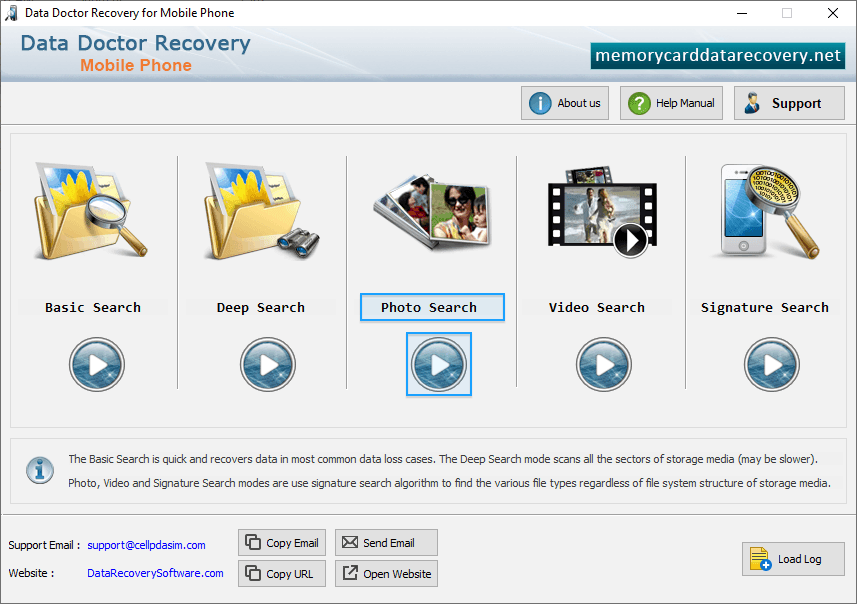
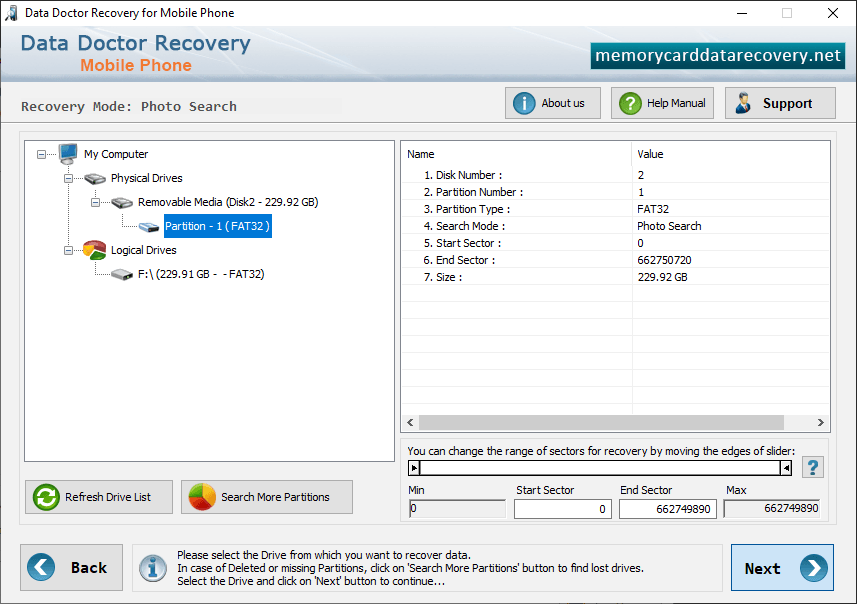
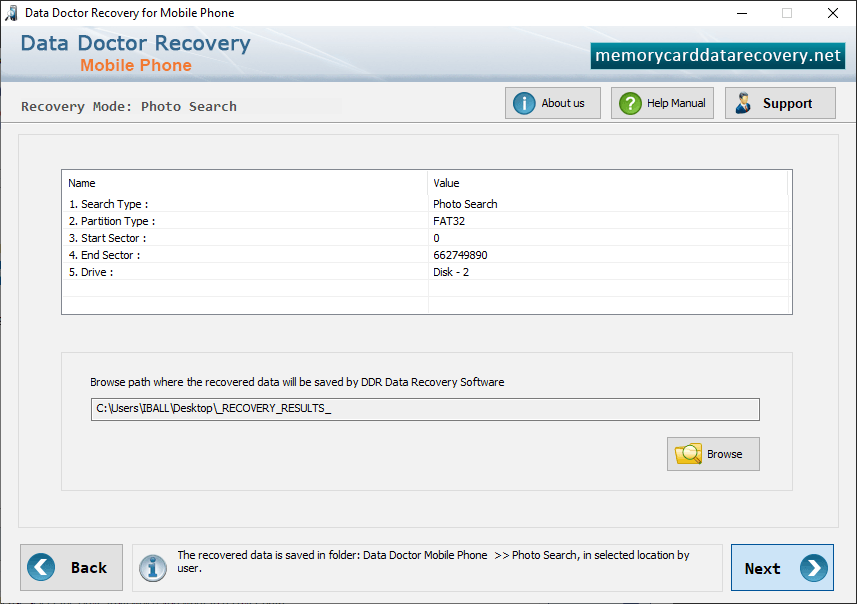
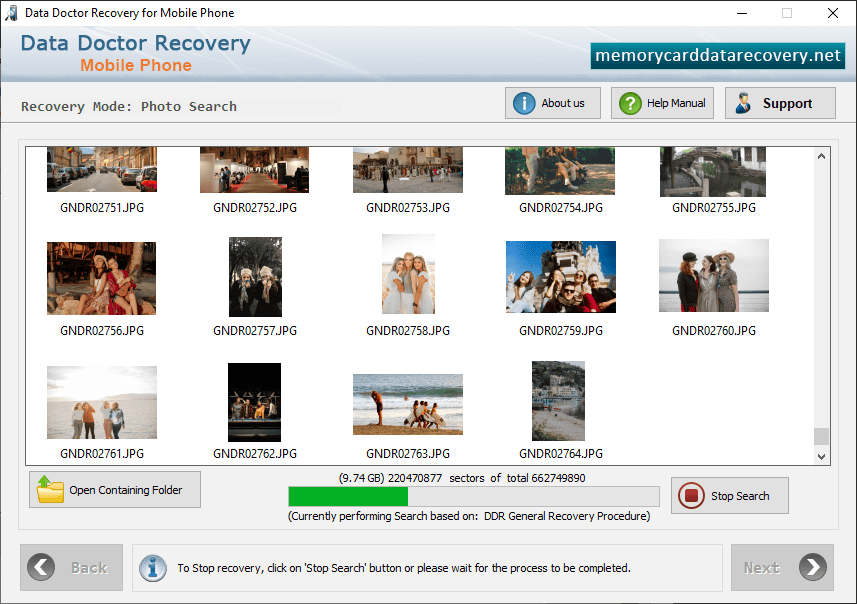
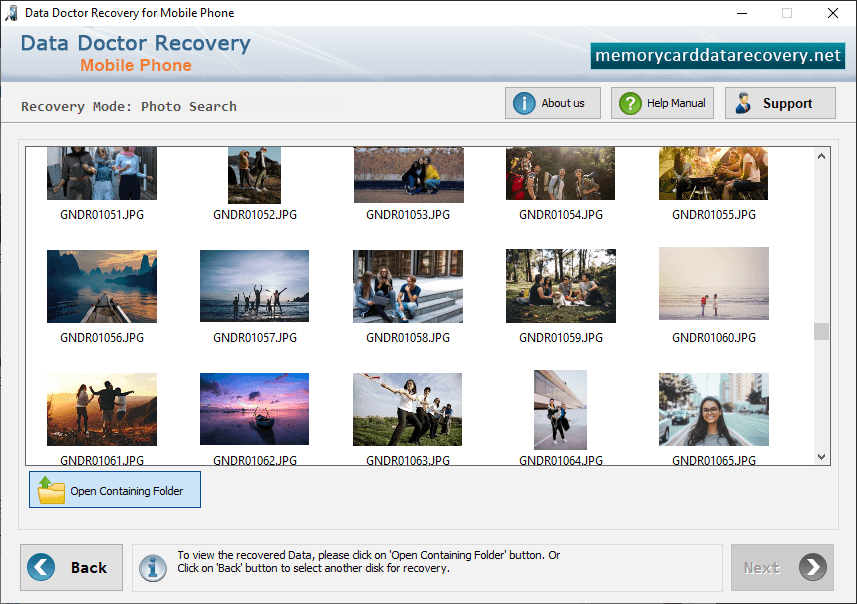
Software has five recovery modes, select any one mode according to your requirement as we have selected Photo Search mode for demonstration purpose. Select drive from left panel and click 'Next' button to proceed. Browse path where the recovered data will be saved by DDR - Mobile Phone Recovery Software. Data recovery process is in progress using DDR Thorough Scanning Algorithm. You can see the current running status of data recovery process. Click on Open Containing Folder button to view recovered data files and folders.