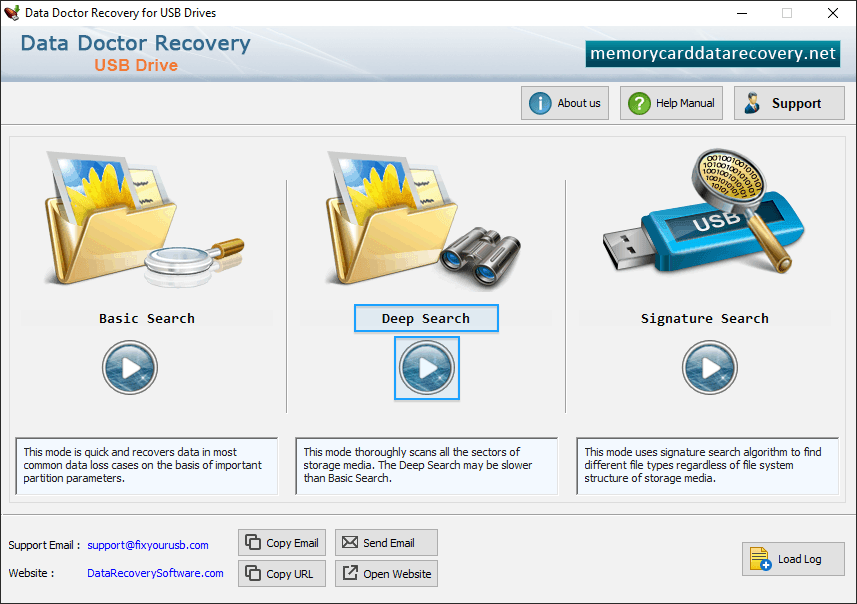
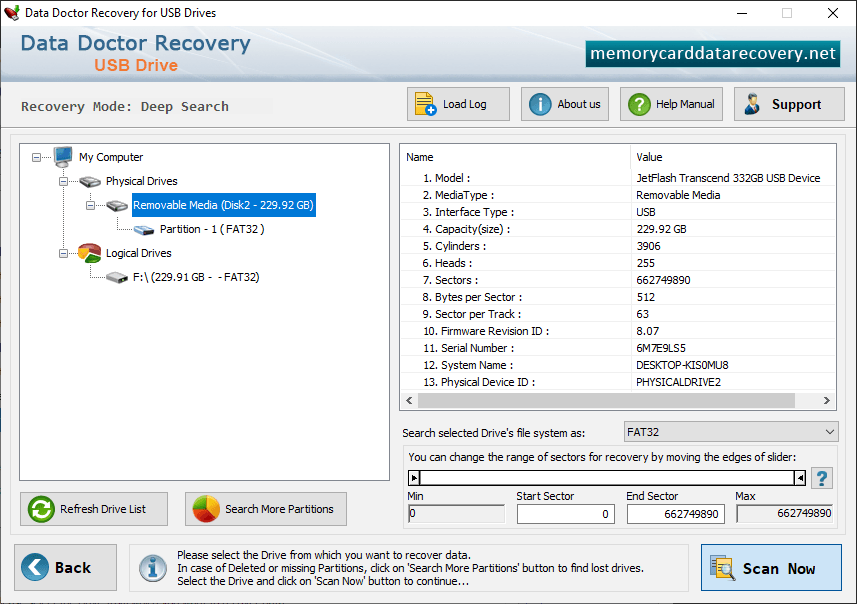
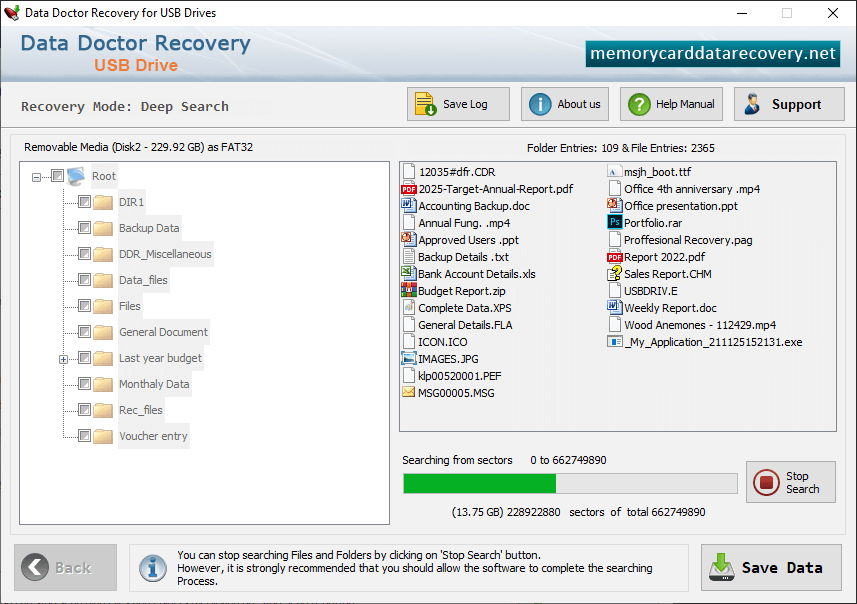
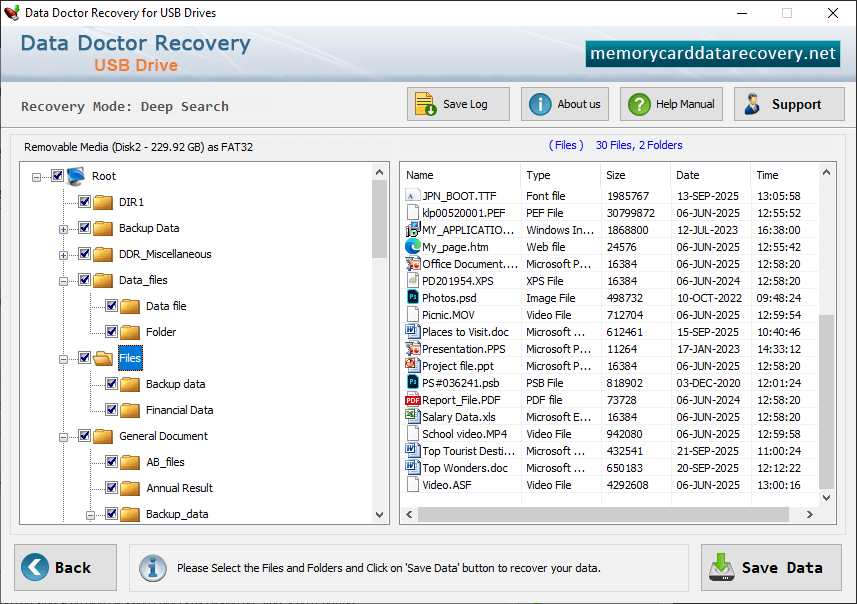
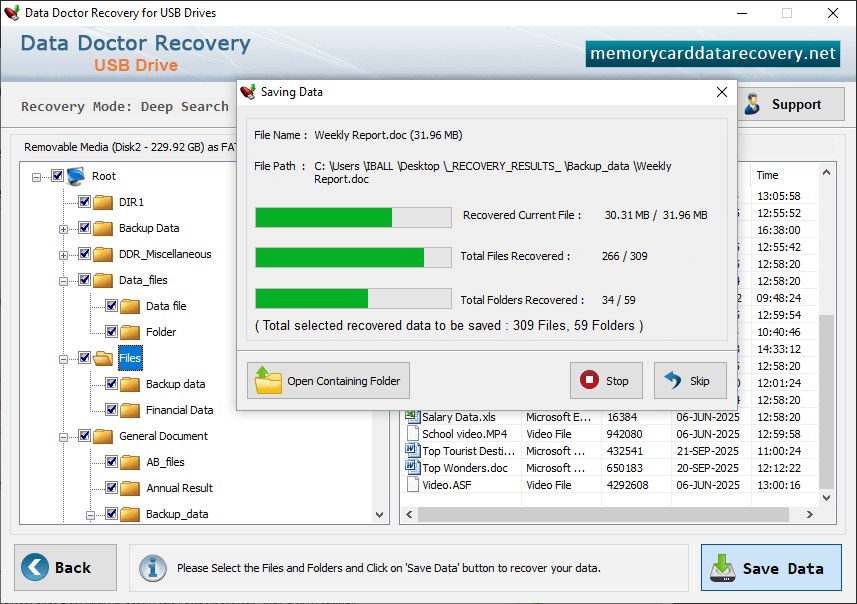
To recover lost files, select any one mode as we have selected 'Basic Search' mode only for demonstration purpose. Select partition from which you want to restore lost files and click 'Next' button to continue. Progress bar shows the current running status of data recovery process. To save recovered data, select data folders and click on 'Save Data' button. Recovery process has been completed successfully. click on Open Containing Folders.